连接(Connections)#
连接在节点之间建立了一条用于在工作流中传输数据的链路。两个节点之间的连接将数据从一个节点的输出传递到另一个节点的输入。
🌐 A connection establishes a link between nodes to route data through the workflow. A connection between two nodes passes data from one node's output to another node's input.
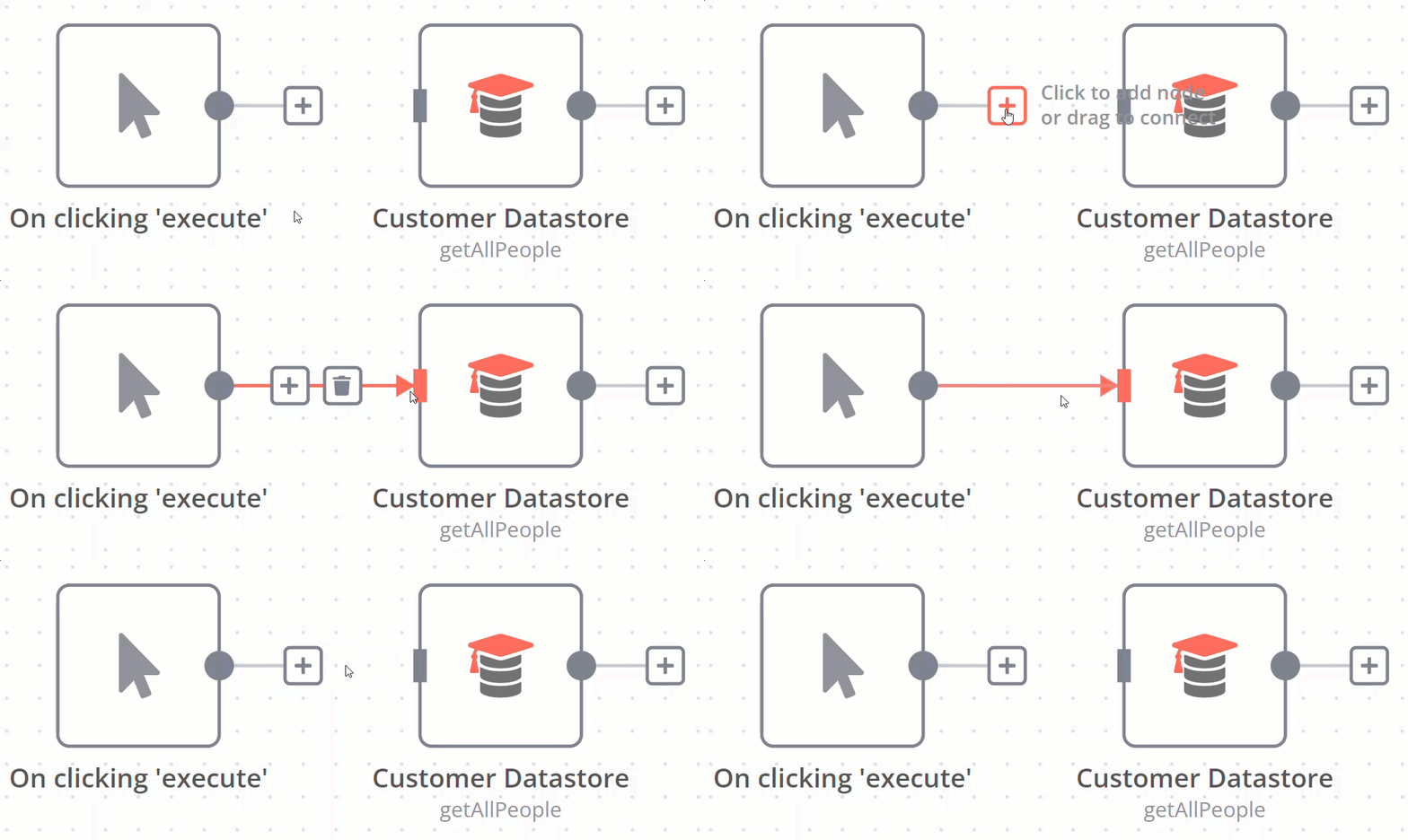
创建连接(Create a connection)#
要在两个节点之间创建连接,请选择灰色圆点或节点右侧的 添加节点  ,然后将箭头滑动到下一个节点左侧的灰色矩形上。
删除连接(Delete a connection)#
将鼠标悬停在连接线上,然后选择 删除  。
。