导出和导入工作流(Export and import workflows)#
n8n 将工作流保存为 JSON 格式。您可以将工作流导出为 JSON 文件,也可以将 JSON 文件导入到您的 n8n 库中。 您可以通过多种方式导出和导入工作流。
🌐 n8n saves workflows in JSON format. You can export your workflows as JSON files or import JSON files into your n8n library. You can export and import workflows in several ways.
Sharing credentials
Exported workflow JSON files include credential names and IDs. While IDs aren't sensitive, the names could be, depending on how you name your credentials. HTTP Request nodes may contain authentication headers when imported from cURL. Remove or anonymize this information from the JSON file before sharing to protect your credentials.
复制粘贴(Copy-Paste)#
你可以通过选择想要复制到剪贴板的节点(Ctrl + c 或 cmd +c),然后将其粘贴到编辑器界面中(Ctrl + v 或 cmd + v),来复制整个工作流或其中的部分内容。
🌐 You can copy and paste a workflow or parts of it by selecting the nodes you want to copy to the clipboard (Ctrl + c or cmd +c) and pasting it (Ctrl + v or cmd + v) into the Editor UI.
要选择所有节点或一组节点,请点击并拖动:
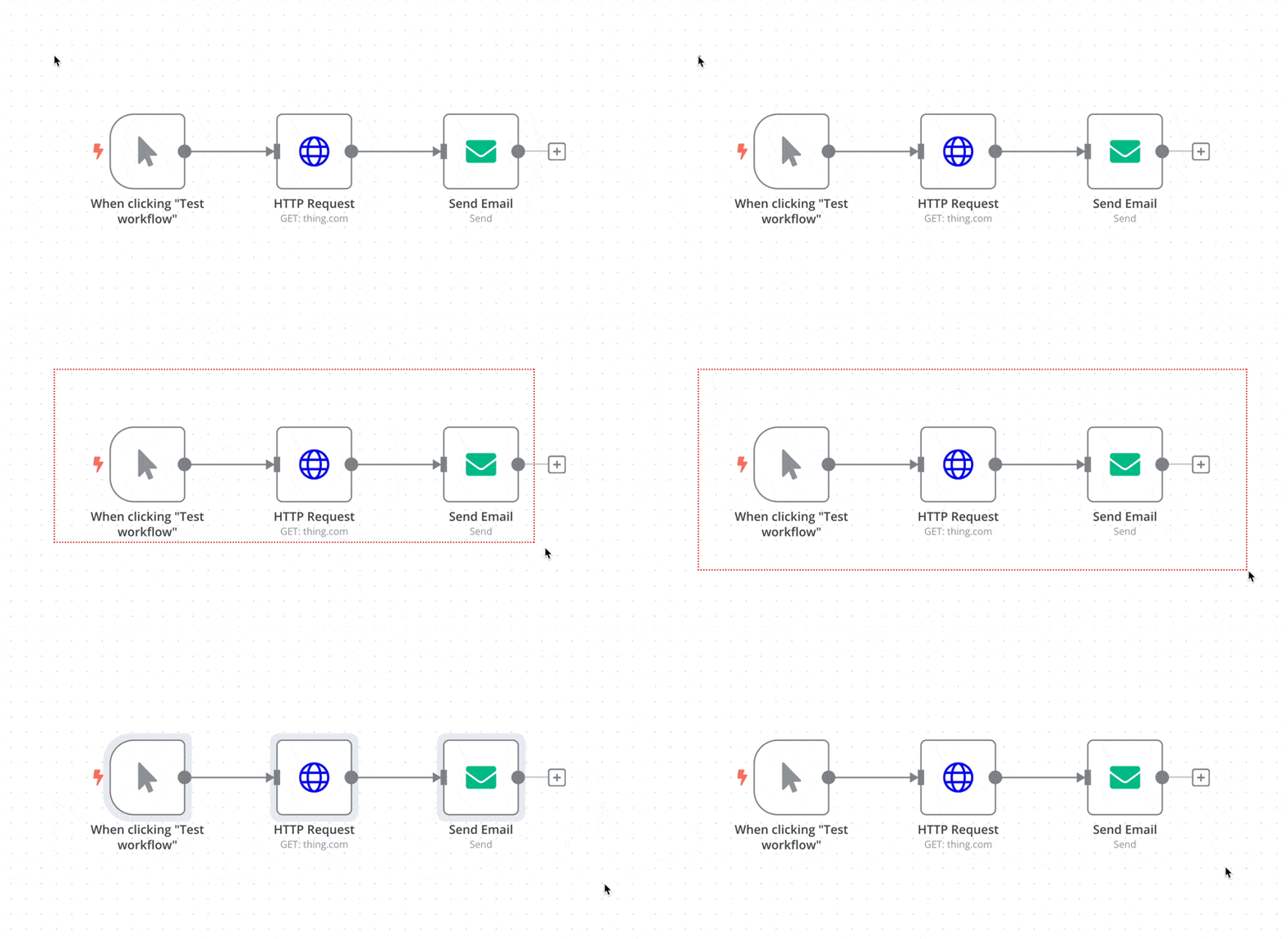
🌐 To select all nodes or a group of nodes, click and drag:
从编辑器 UI 菜单(From the Editor UI menu)#
在顶部导航栏中,选择右上角的三个点  以查看以下选项:
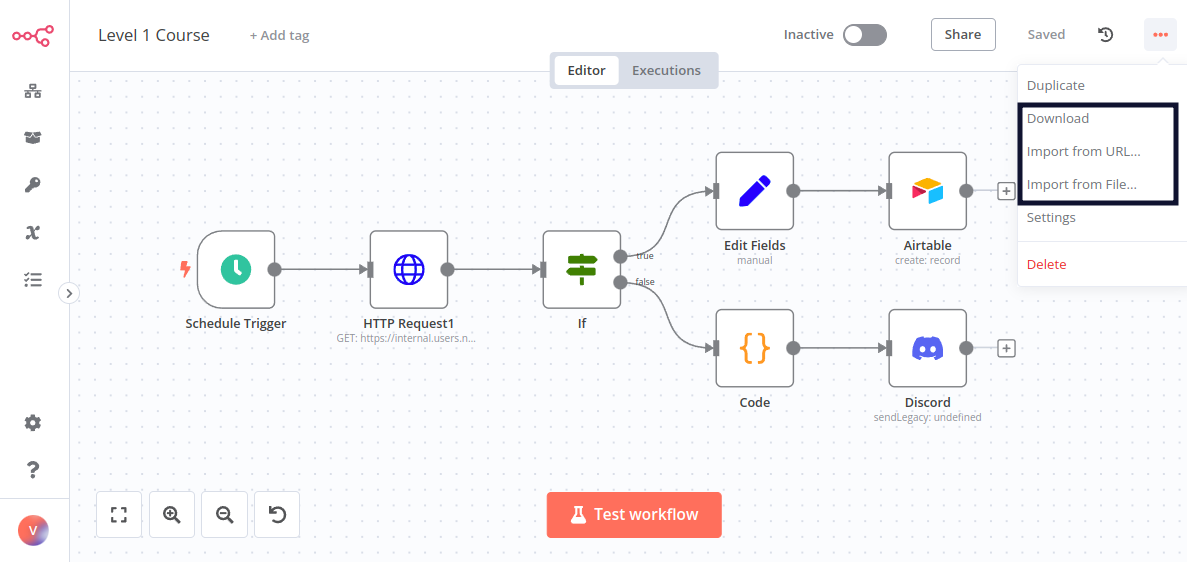
- 下载:将你当前的工作流程以 JSON 文件的形式下载到你的计算机。
- 从 URL 导入:从 URL 导入工作流 JSON,例如,GitHub 上的这个工作流 JSON 文件。
- 从文件导入:将工作流作为 JSON 文件从你的电脑导入。